

Plans
Open Billing in the sidebar to see available plans and your current balance.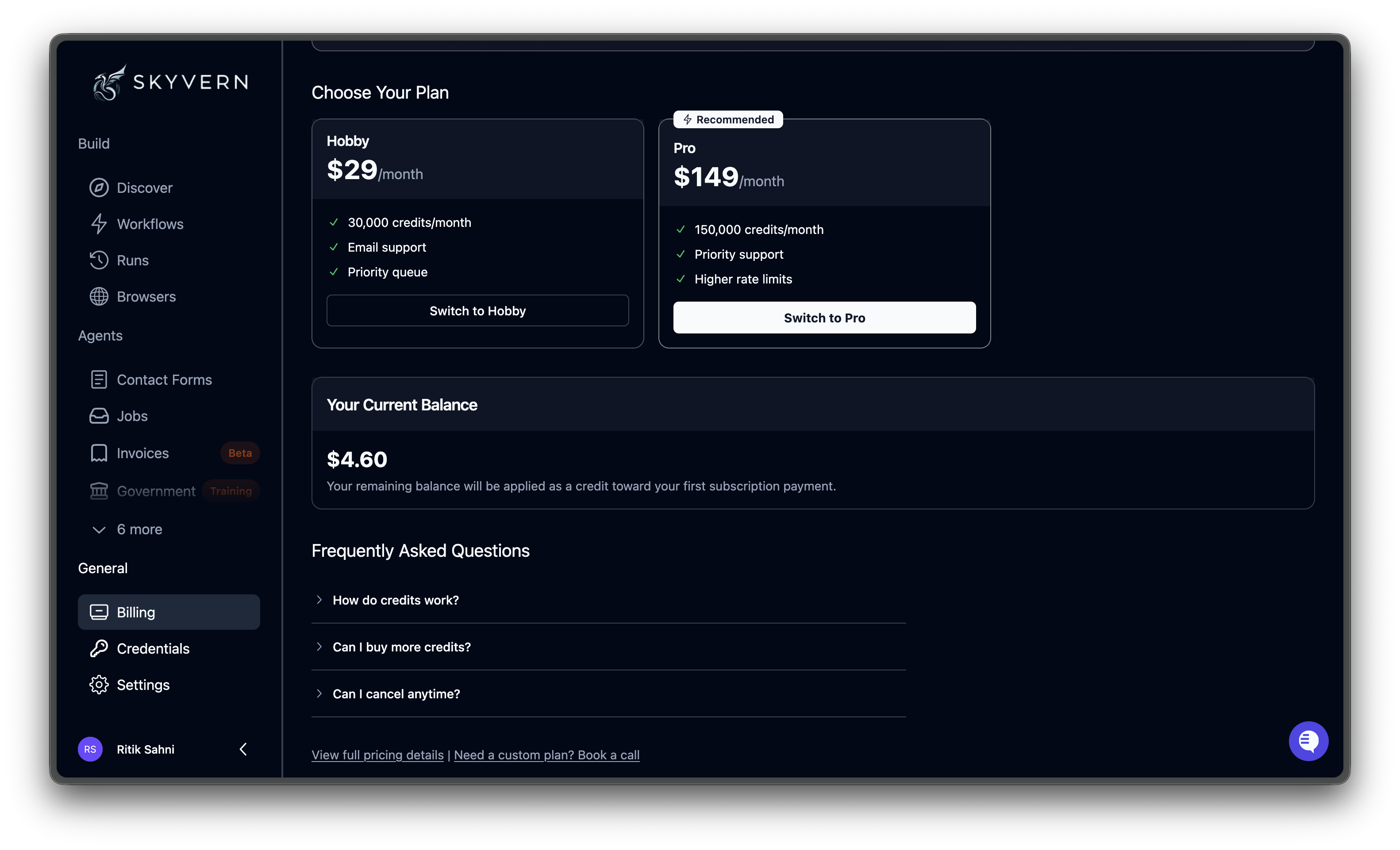
| Plan | Price | Credits/month | Estimated actions | Concurrent runs |
|---|---|---|---|---|
| Free | $0 | 1,000 | ~170 | 1 |
| Hobby | $29/month | 30,000 | ~1,200 | 10 |
| Pro | $149/month | 150,000 | ~6,200 | 25 |
| Enterprise | Custom | Unlimited | Unlimited | Unlimited |
Need HIPAA compliance, SOC-2 reports, custom code blocks, or dedicated support? Use the Book a call link at the bottom of the Billing page to discuss Enterprise, or visit skyvern.com/pricing for a complete feature comparison.
What’s included in each plan
Free: Try Skyvern with zero commitment
Free: Try Skyvern with zero commitment
1,000 credits/month (~170 actions)Perfect for evaluating Skyvern and prototyping automations.
- 1 concurrent run
- Webhooks
- Country geo-targeting
- Community support
Hobby: For side projects and small automations
Hobby: For side projects and small automations
30,000 credits/month (~1,200 actions) • $29/month
- 10 concurrent runs
- Basic CAPTCHA solver
- Webhooks
- Stored credentials
- Country geo-targeting
- Email support
Pro: For teams shipping production automations
Pro: For teams shipping production automations
150,000 credits/month (~6,200 actions) • $149/monthEverything in Hobby, plus:
- 25 concurrent runs
- Advanced CAPTCHA solver
- Team workspaces
- 2FA / TOTP support
- 1Password integration
- Residential proxy
- City-level geo-targeting
- Priority support
Enterprise: For regulated industries and large-scale operations
Enterprise: For regulated industries and large-scale operations
Unlimited credits • Custom pricingEverything in Pro, plus:
- Unlimited concurrent runs
- HIPAA compliant infrastructure
- SOC-2 Type II Report
- Dedicated Slack channel
- Azure Key Vault integration
- Bitwarden integration
- Custom code blocks
- Human-in-the-loop workflows
How credits are consumed
A credit maps to one discrete browser action: clicking a button, typing into a field, selecting a dropdown, or extracting data from a page. Navigation counts too.| Example | Approximate credits |
|---|---|
| Login flow (email, password, submit) | ~3 |
| Form fill (10 fields + submit) | ~11 |
| Multi-page extraction (5 pages) | ~15–25 |
Your current balance
The Your Current Balance section shows your remaining dollar balance. Credits are deducted as runs execute in real time. If your balance reaches zero, new runs won’t start until you add credits or switch to a subscription plan.FAQ
How do credits work?
How do credits work?
Each browser action the AI takes — clicking, typing, navigating, extracting — costs one credit. Credits are deducted in real time as runs execute. Your plan includes a monthly credit allowance that resets each billing cycle. Unused credits don’t roll over.
Can I buy more credits?
Can I buy more credits?
Yes. If you exhaust your monthly allowance, you can purchase additional credits from the Billing page. You can also upgrade to a higher plan for a larger monthly allowance.
Can I cancel anytime?
Can I cancel anytime?
Yes. Downgrade or cancel your subscription from the Billing page. The change takes effect at the end of your current billing cycle, and you keep access to your credits until then.
API Keys
Manage API keys for programmatic access
Organization Settings
Manage your team and organization details