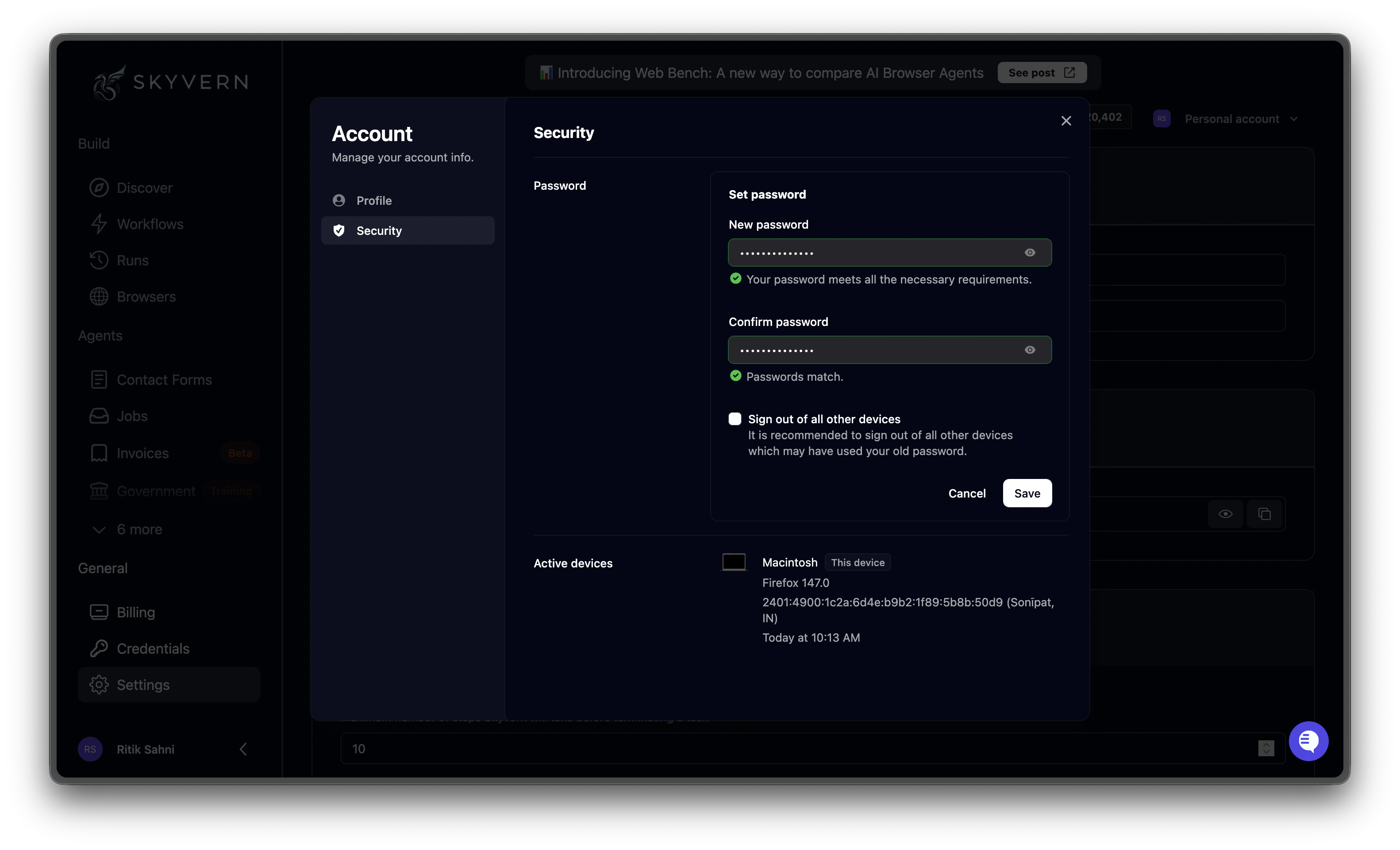
The Security tab is where you manage your password and review active sessions.Under Set password, enter your new password and confirm it. A green checkmark appears when the password meets requirements and both fields match. Check Sign out of all other devices if you want to invalidate existing sessions — recommended if you suspect unauthorized access.Click Save to apply.Active devices lists every device currently signed into your account, showing the browser, IP address, and last access time. Use this to verify that all sessions are yours.
If you signed up with Google or another SSO provider, password management is handled by the external provider and this section may not appear.